Before installing Net Station 5.4, you must first completely uninstall the previously existing version on your Mac to ensure optimal functionality.
You should follow the instructions below if you were running a version of Net Station between 5.3.x:
1. Drag all Net Station icons out of the Dock to remove them:

2. Navigate to your Applications/EGI/Utilities folder and double-click on NetStationUninstaller to launch the uninstaller:
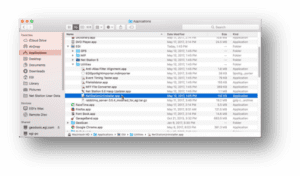
3. This utility will uninstall all the preferences, settings and application files associated with Net Station 5.3.x on your computer:
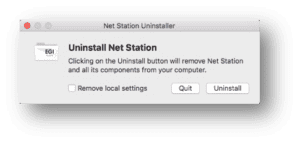
Check the Remove local settings box and click Uninstall:

The option to Remove local settings removes all user created items stored in the Macintosh HD/Library/Application Support/EGI/Net Station, the items referenced point #3.
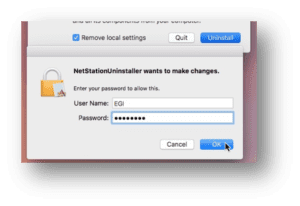
4. When prompted, enter the user password for your computer and click OK:
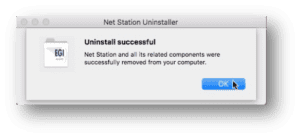
To complete the uninstall, click OK when prompted: